BACKSELECTED WORKS
Simplifying Automation Configuration at Scale rule builder
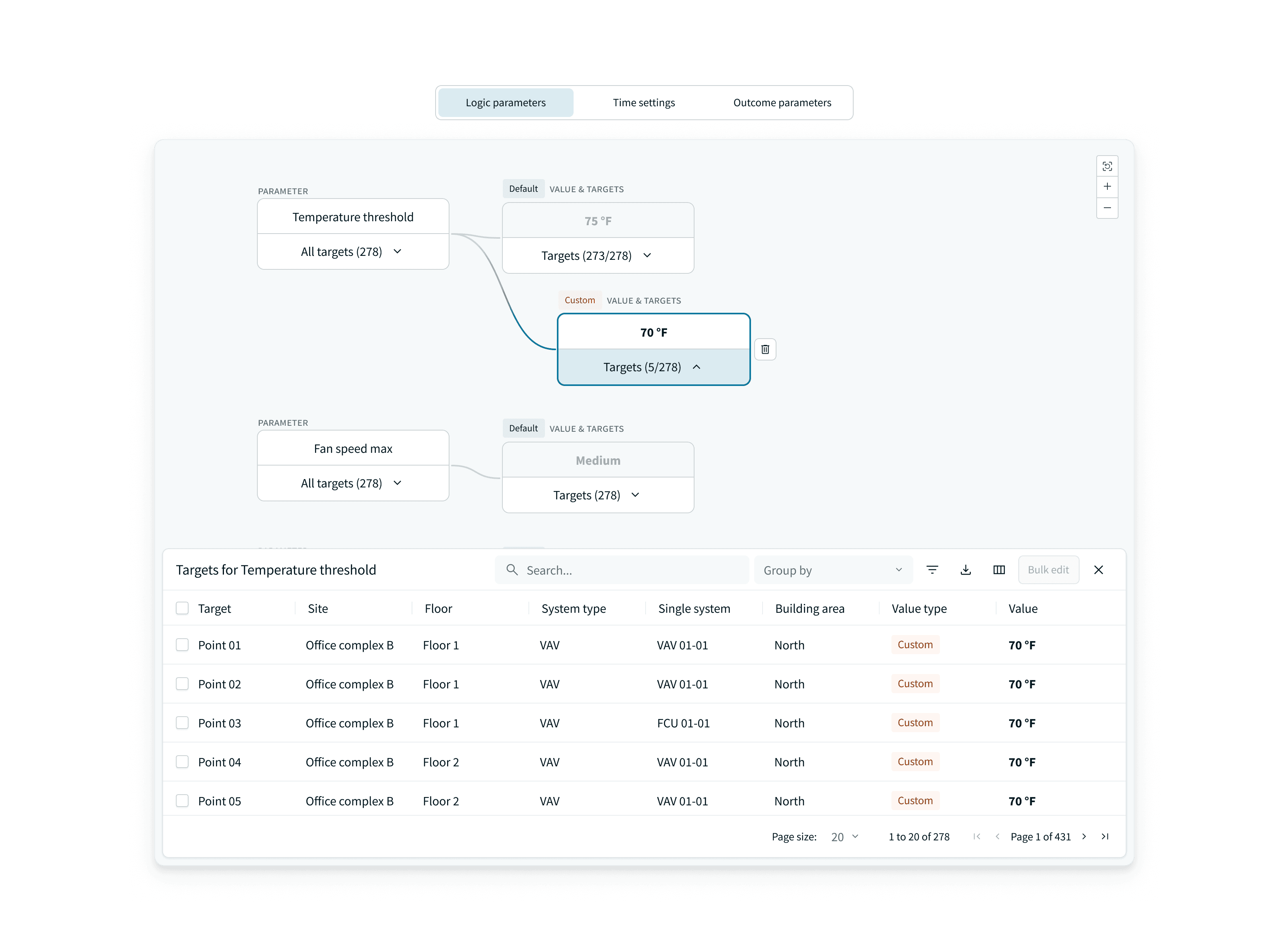
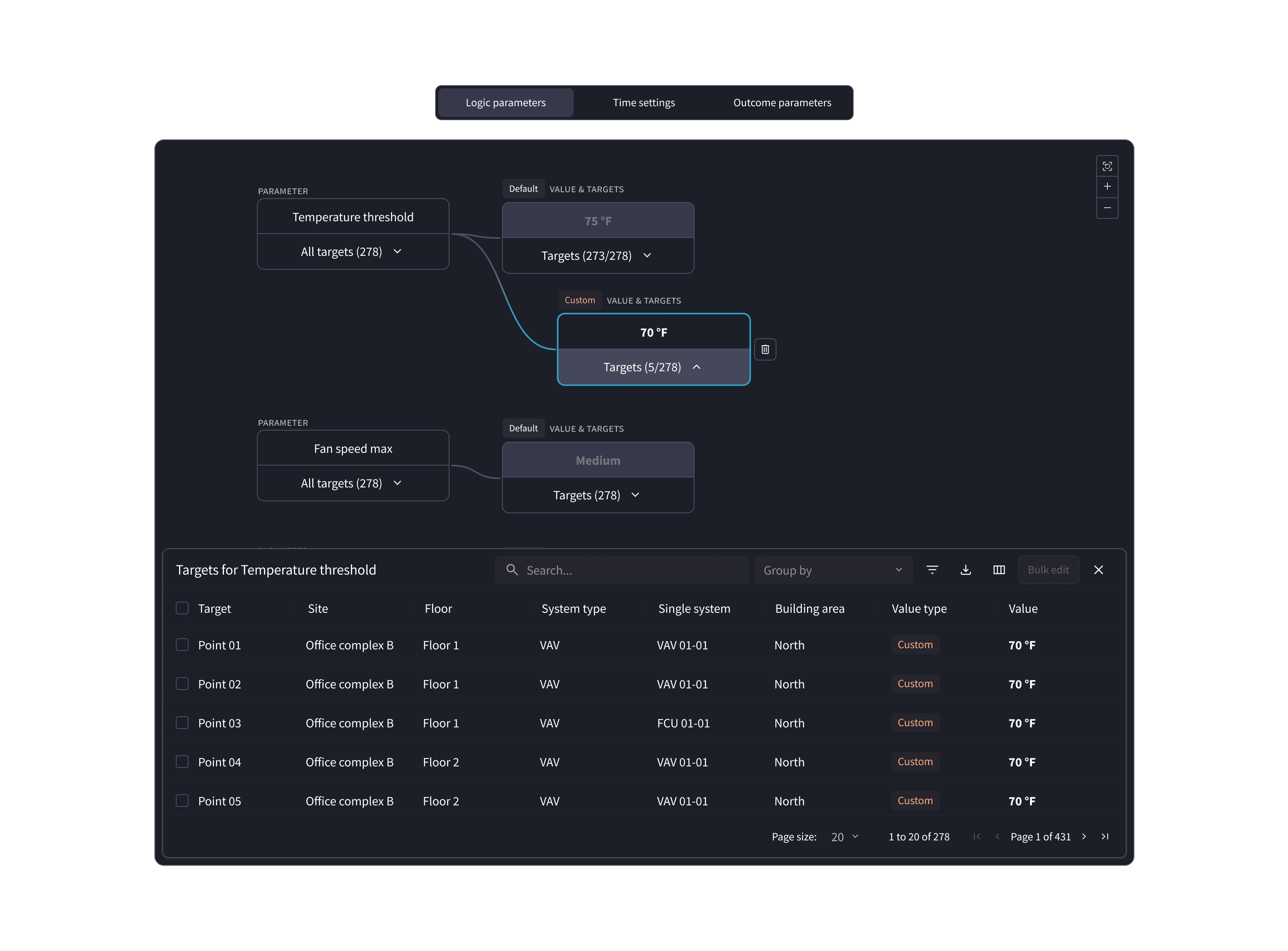
Logic parameters and target values

Rule Parameter Management

Set default and exception values once, then apply them across hundreds of targets.

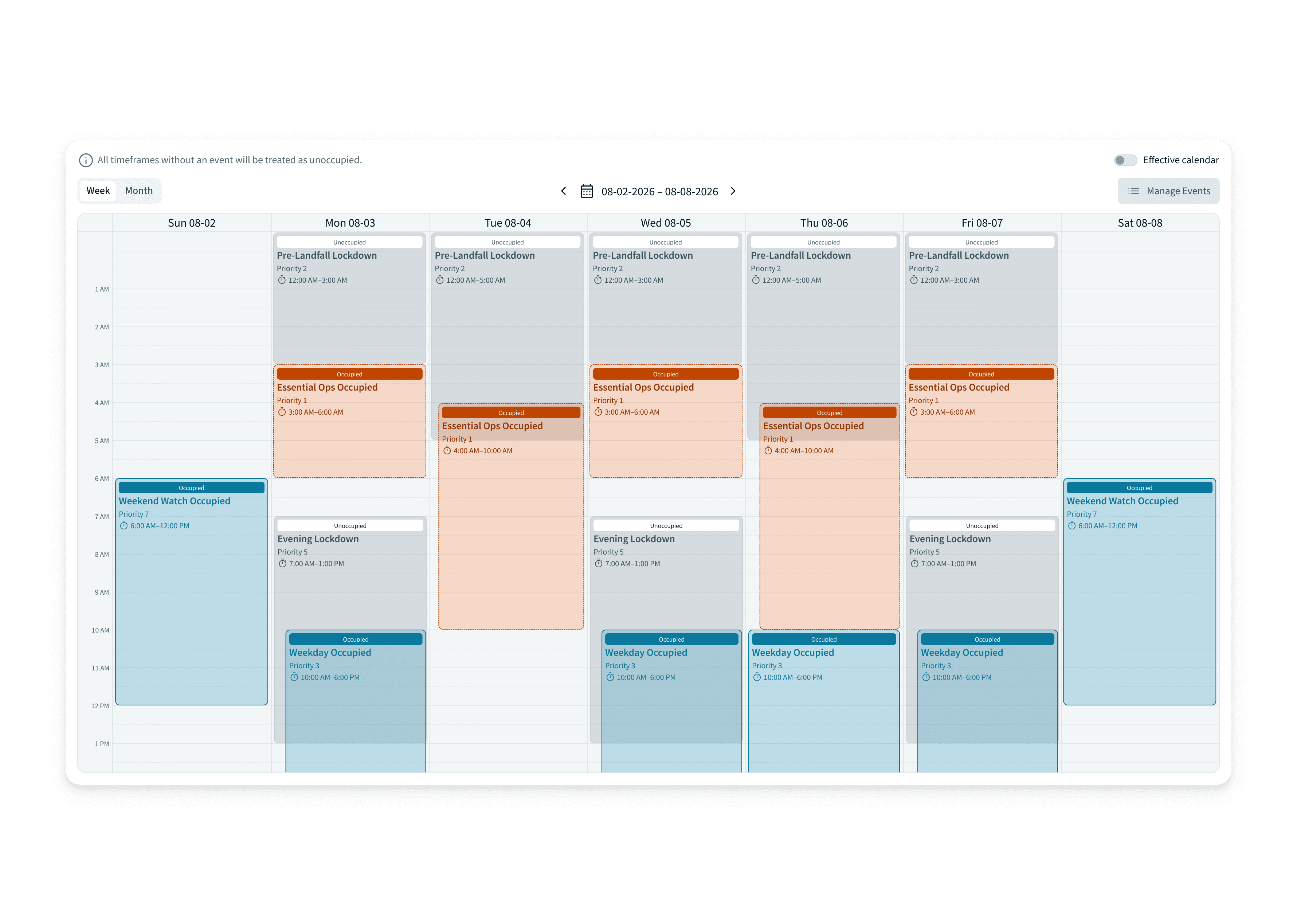
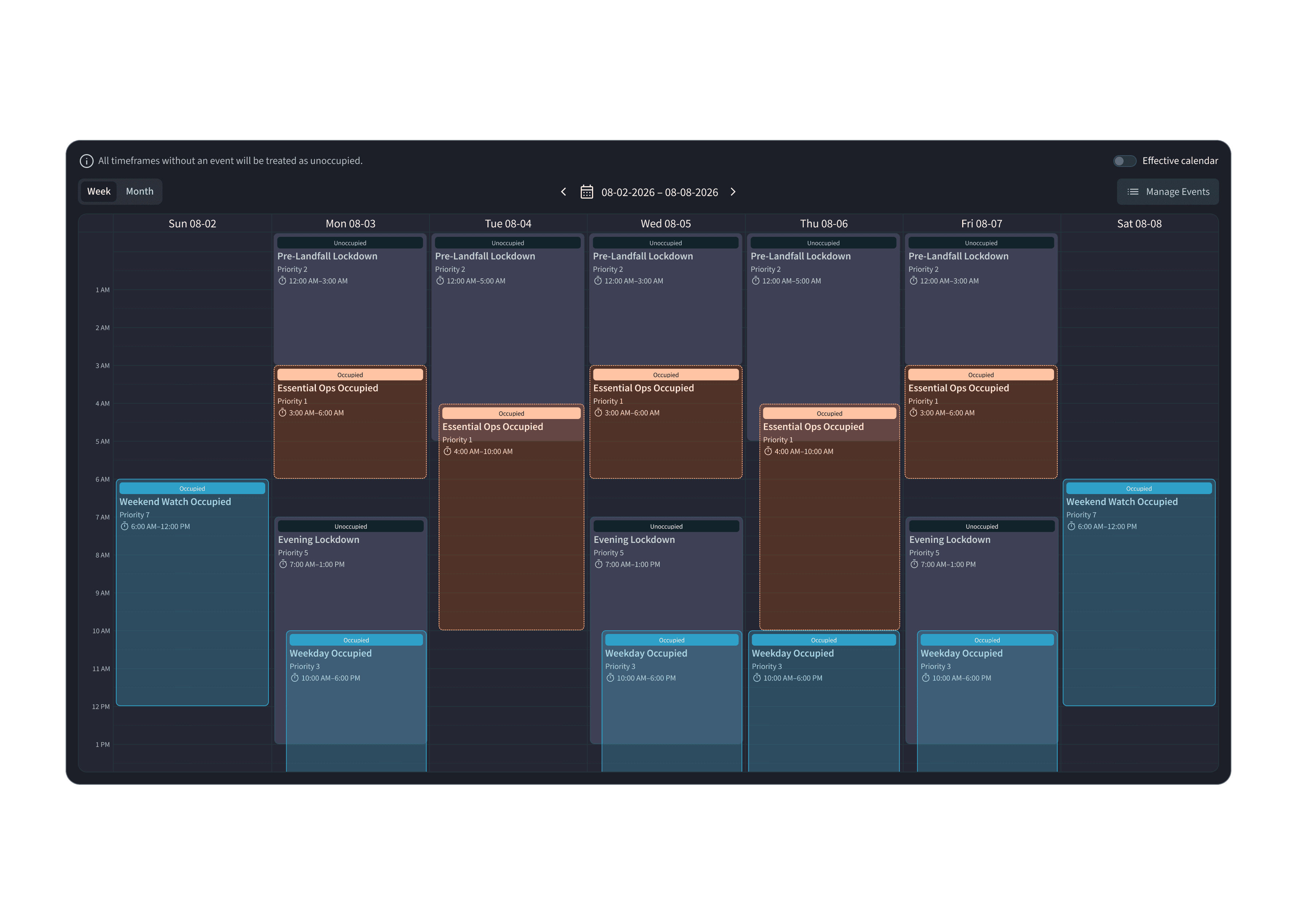
Occupied and unoccupied schedule calendar

Schedule Management

Plan occupied and unoccupied windows on one shared calendar.

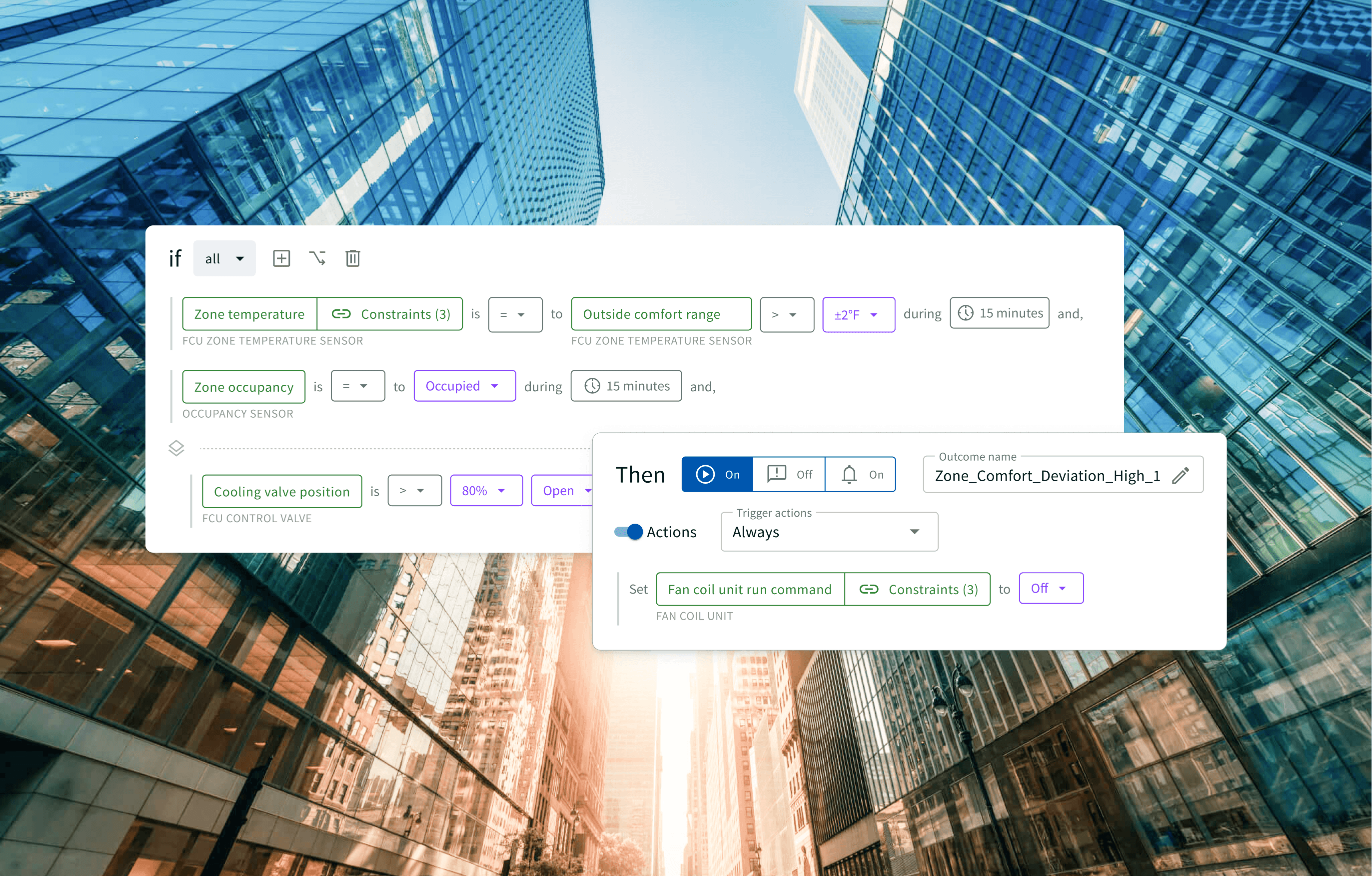
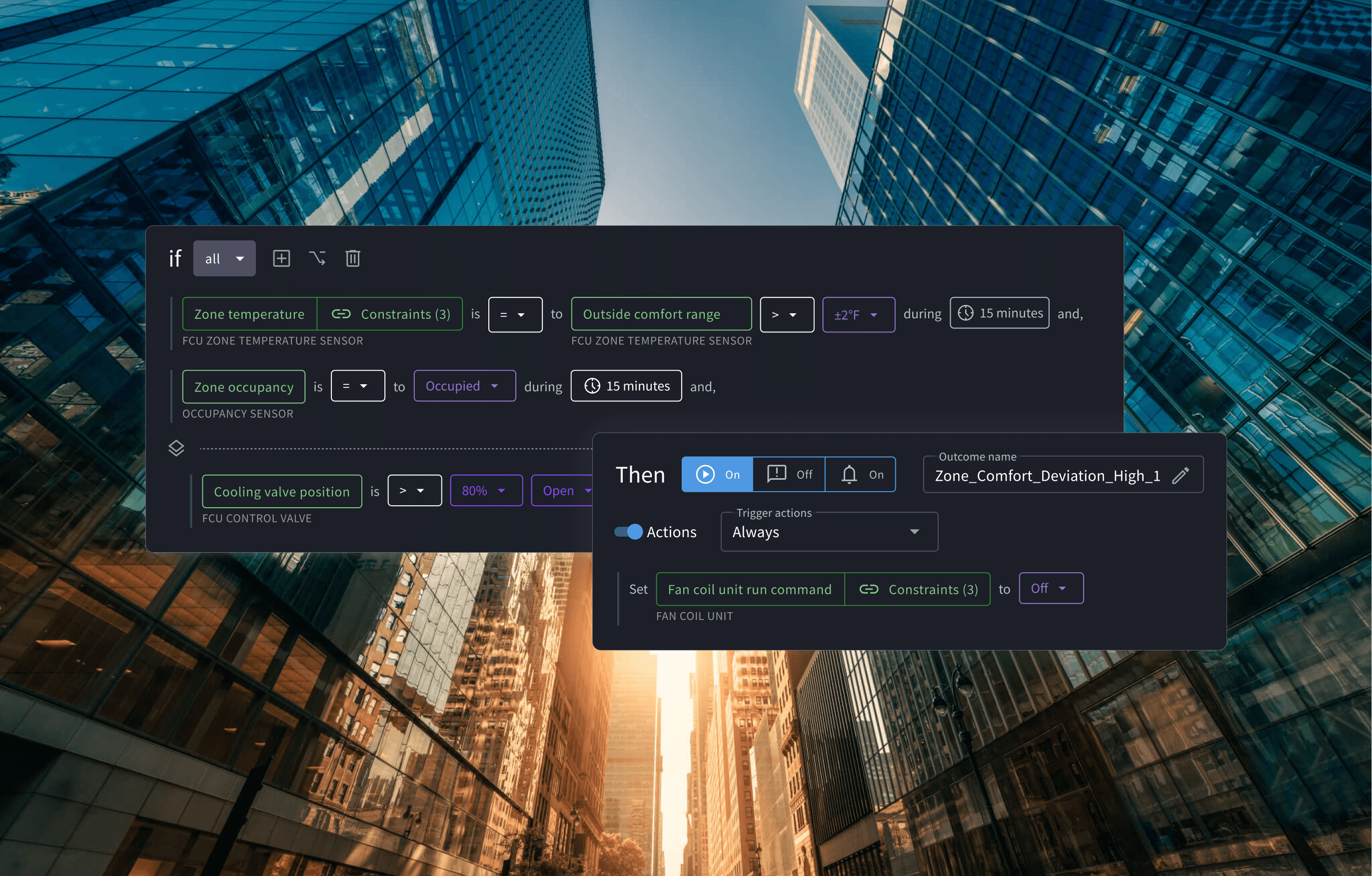
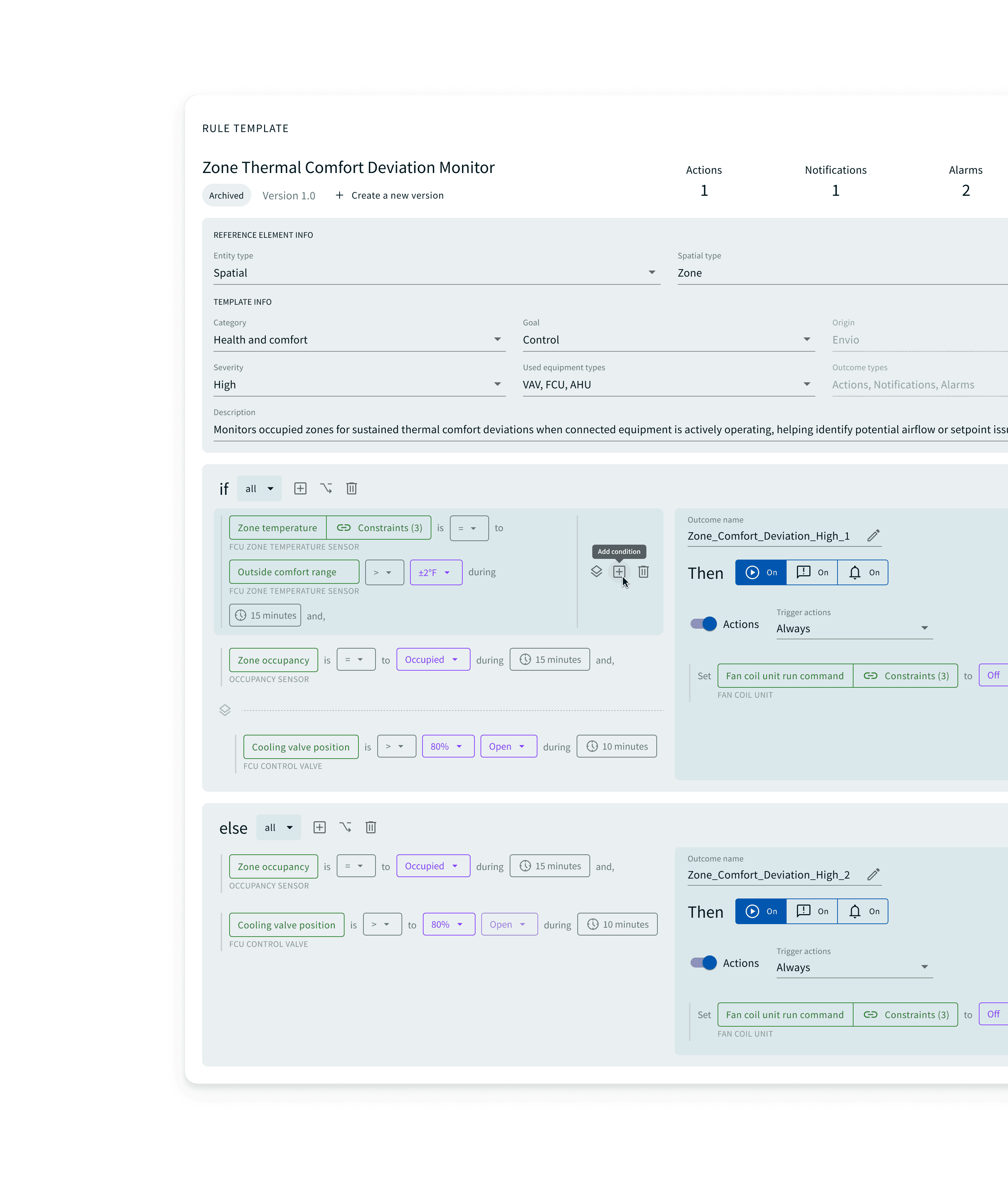
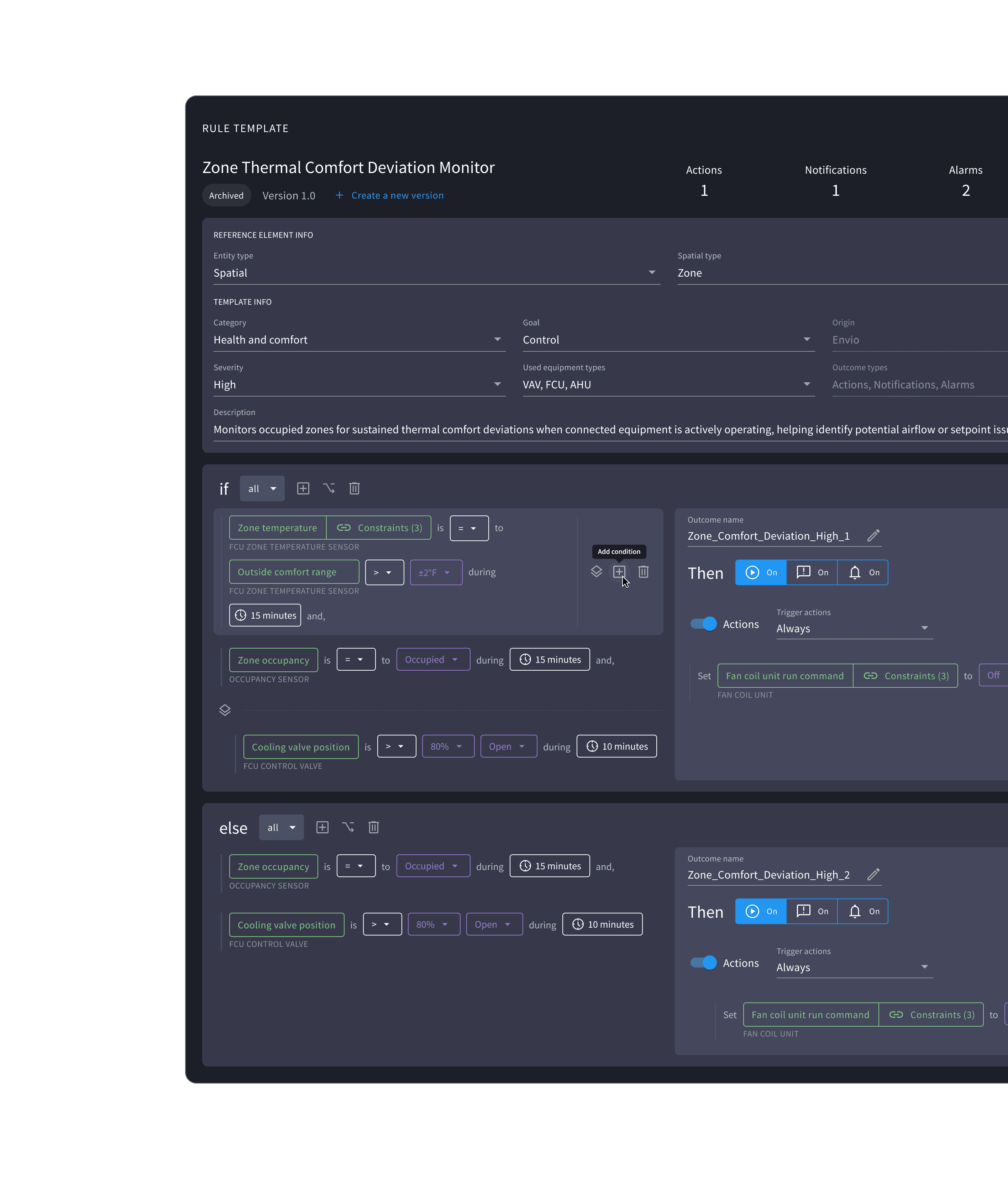
Rule template with if/else logic

Rule Editor

Author reusable if/else templates with actions, alarms, and outcomes.

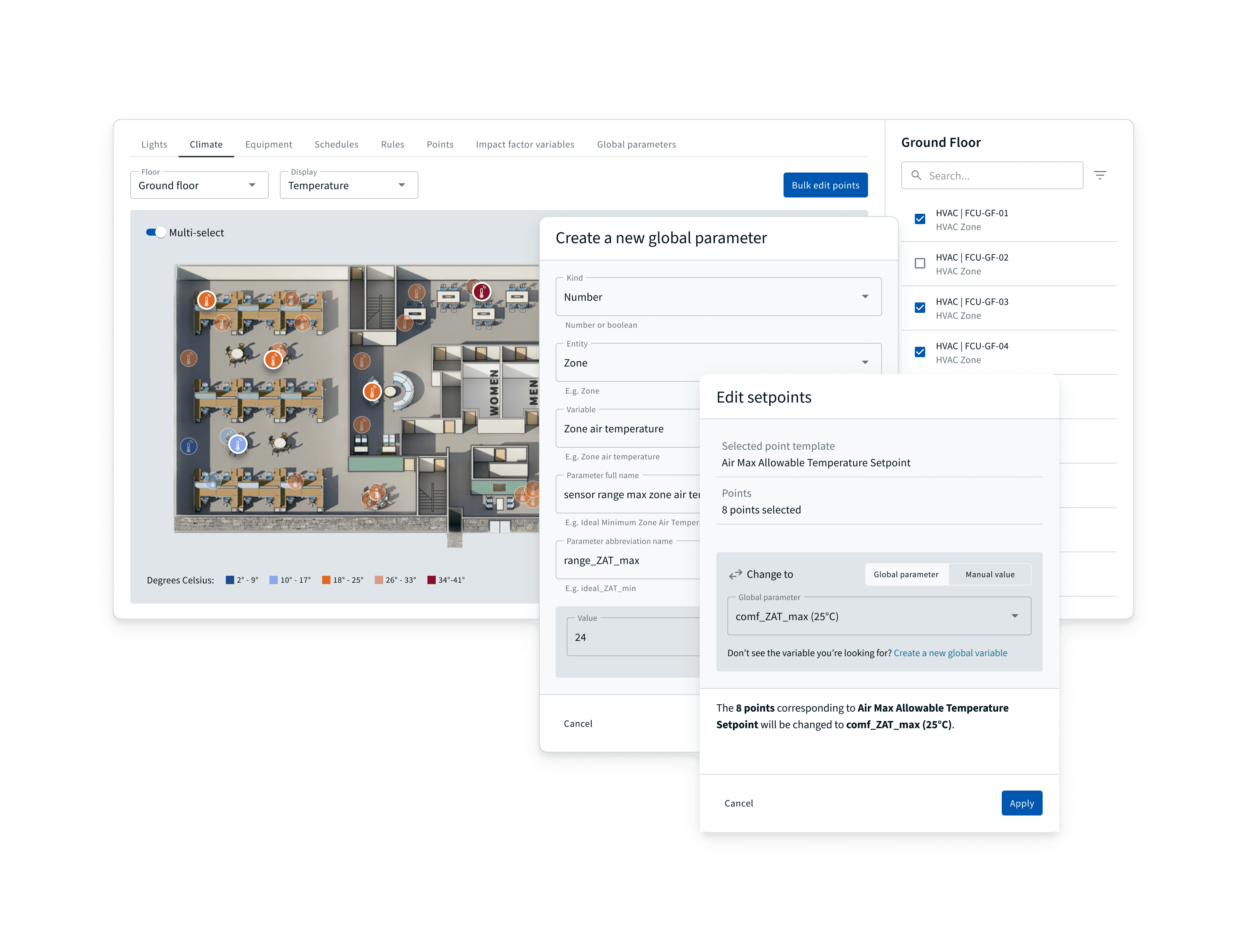
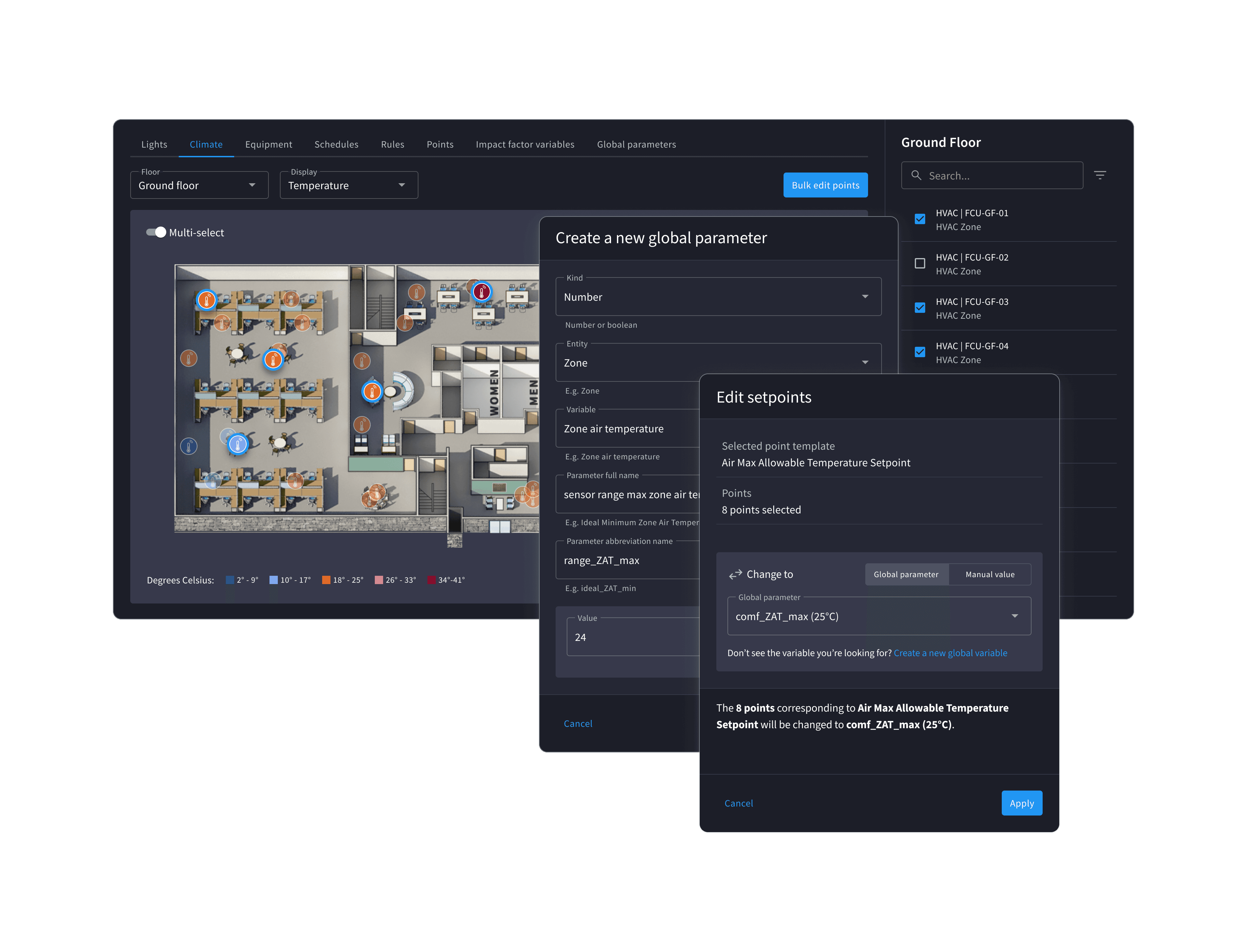
Bulk setpoint editing on a floor plan

Bulk Edit Setpoints

Change many points in one pass from the floor plan or a global parameter.

Key decisions

Automation tools for building operations work that used to be manual

Model operator work before modeling the interface

The work started with understanding how building teams adjusted schedules, tuned setpoints, reviewed equipment exceptions, and repeated configuration changes across assets. Those patterns shaped the product model more than the screen structure did.

Make control logic visible enough to trust

Rules, formulas, parameters, operating schedules, and affected devices had to be connected in one experience so operators could understand what would change, when it would run, and which systems it would affect.

Representative interaction

The workflow turns repeated manual equipment adjustments into reviewable automation changes.

  1. 01

    Select what to automate

    Choose the building, equipment, schedule, rule, parameter, formula, or setpoint group that needs to be updated.

  2. 02

    Configure the rule

    Set the rule logic, schedule, parameters, target values, and affected equipment with clear scope and impact.

  3. 03

    Apply with confidence

    Use review states and bulk controls to roll changes across assets while keeping live-system risk visible.

Visibility, approval, and recovery were central design constraints because changes could affect live building equipment.

Simplifying Automation Configuration at Scale

Automation UXB2B SaaSRules & Logic DesignSystem Scalability

Designed automation configuration tools that helped building operations teams turn manual equipment adjustments, schedules, rule parameters, rule formulas, and setpoint changes into scalable control workflows.

Role

Product Design Lead

Product Name

JLL Envio JLL Smart Building Platform 2.0

Collaborated with

Product Management, Engineering, Operations, and building systems stakeholders

Timeline

Mar 2024 to Aug 2025, Envio Sep 2025 to Jul 2026, SBP 2.0

Deliverables

Automation strategy, schedule management, rule architecture, parameter configuration, formula logic, bulk setpoint editing, and governance

Problem Statement

  • Building operations teams were still handling many automation tasks manually, including schedule updates, setpoint changes, rule tuning, parameter adjustments, and repeated equipment-level configuration.
  • Operators needed a way to manage building devices and control systems at scale without losing confidence in what each rule would change, when it would run, or which assets it would affect.

Context

  • The work required understanding the daily patterns of building operators: when they adjusted schedules, how they changed target values, which exceptions required review, and where repetitive edits created operational risk.
  • I also had to map how equipment, systems, rules, formulas, parameters, schedules, and setpoints related to one another so the product model could support automation without hiding critical control logic.

Responsibilities & Contributions

  • Mapped operational work patterns: Studied how building teams managed recurring schedule changes, equipment exceptions, setpoint tuning, and rule adjustments across buildings.
  • Modeled building systems and rule logic: Connected devices, systems, rules, parameters, formulas, schedules, and target values into a configuration model operators could understand and trust.
  • Designed rule and parameter workflows: Created interfaces for configuring rule formulas, editing rule parameters, reviewing affected assets, and managing changes with enough context to avoid unsafe edits.
  • Created schedule and bulk edit controls: Designed workflows that let operators apply operating schedules and setpoint changes across multiple assets while preserving visibility into scope and impact.
  • Established governance patterns: Added review states, clear change summaries, and reusable configuration patterns so automation could scale without turning into opaque system behavior.

Impact

Manual work reduced

Replaced repeated asset-by-asset edits with configurable rules, schedules, parameters, formulas, and bulk setpoint controls.

4 operational workflows connected

Brought schedule management, rule configuration, parameter editing, and bulk setpoint changes into one automation model.

Reusable rule architecture

Standardized how operators define formulas, manage parameters, and apply building-specific values.

Portfolio-level control

Helped teams manage equipment behavior across buildings while keeping scope, timing, and impact visible.

Key Insights

  • Automation design depends as much on understanding human operating patterns as understanding the underlying control system. The interface had to reflect how operators think about timing, exceptions, responsibility, and risk.
  • Rules are only useful when users can see the relationship between logic, parameters, affected equipment, and real-world operating schedules. Exposing those relationships made automation feel manageable instead of hidden.

Critical Constraints

  • Building automation ranged from simple scheduled behavior to multi-condition rules with formulas, dependencies, timing logic, and cascading effects across equipment.
  • Because changes could affect live building systems, visibility, approval, and recovery were more important than reducing every workflow to the fewest possible steps.
Previous
Next