Fast first. Then just right.
Q/T shows a translation the moment you type, then quietly replaces it with a natural one.
Instant draft, refined by AI
Apple’s on-device translation answers in a blink. AI then rewrites it the way a person would say it.
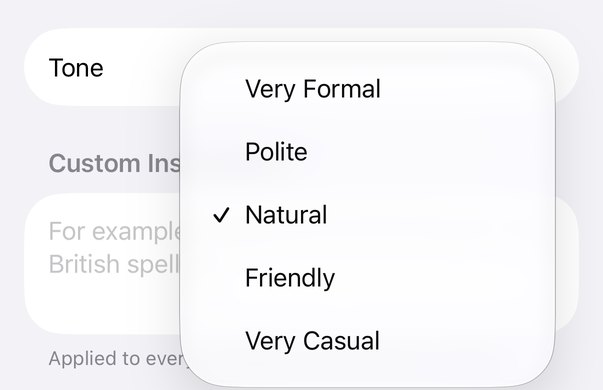
Pick your tone
From very formal to very casual. Add custom instructions and a glossary for your own words.
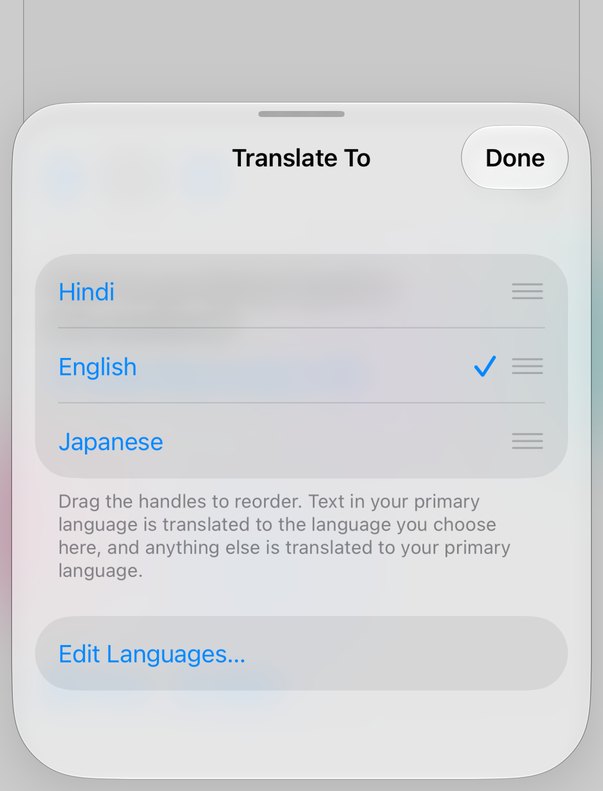
Your languages, your order
Set your primary language and pick the ones you translate into, in your order. Switch between them right from the main screen.

Alternative phrasings
Not quite it? See other ways to say the same thing and copy the one that fits.
See exactly what changed.
Switch to Proofread and Q/T fixes spelling, grammar, and phrasing in the same language, with every change marked.

Changes, highlighted
Additions are tinted and removals are struck through, so you learn as you write.
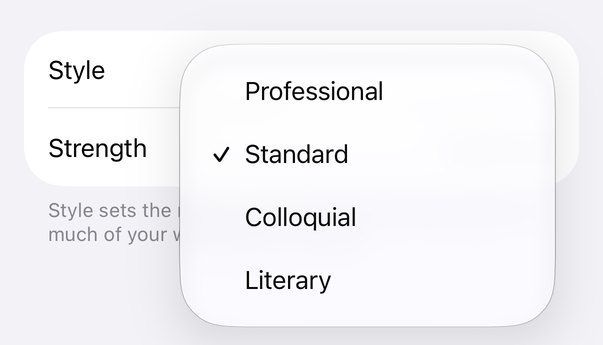
Style and strength
Fix only typos, or let Q/T rewrite freely. Choose the register: professional, standard, colloquial, or literary.
Always one shortcut away.

Q/T lives in your Mac’s menu bar and opens over any app.
Type, speak, paste an image, or point at the screen.

One shortcut, from any app
Press ⌥ Space and Q/T rises from the bottom of the screen, ready to type. Press ⌘↩ to copy the result and close.
 9:41
9:41
Or drop it from the notch
Prefer the top? Set Q/T to open from the notch in Settings. Then press ⌥ Space, or just move the pointer onto the notch.
Voice
Speak instead of typing. Speech is recognized on your device.
Text from images
Paste or drop a screenshot or photo. Q/T reads the text on your device and translates it.
Text on screen
On Mac, press ⌥⇧ Space and drag over anything to translate it.
Clipboard
Copy text, then open Q/T within 10 seconds. It’s already filled in.
The same Q/T, in your pocket.
Everything the Mac app does, plus the camera.
Type, paste, speak, or point at text around you.
Translate what’s in front of you
Q/T detects the language you type and translates it into the one you need, with the same draft-then-AI flow as on Mac.
- Camera and PhotosPoint at a sign, a menu, or a document, or pick a photo. Text is read on your iPhone.
- Switch languages in a tapChange the target language right from the main screen, in the order you use them.
- Voice, on deviceTap the mic and speak. Speech is recognized on your iPhone.
- One purchase for Mac and iPhonePro unlocks on both devices, and your history syncs through iCloud.
Home Screen widget
Jump straight into Translate or Proofread.
Control Center
Open Q/T from Control Center or the Lock Screen.
Action button
Press and start typing. Q/T opens ready to go.
Shortcuts and Siri
Translate text or your clipboard from a shortcut.
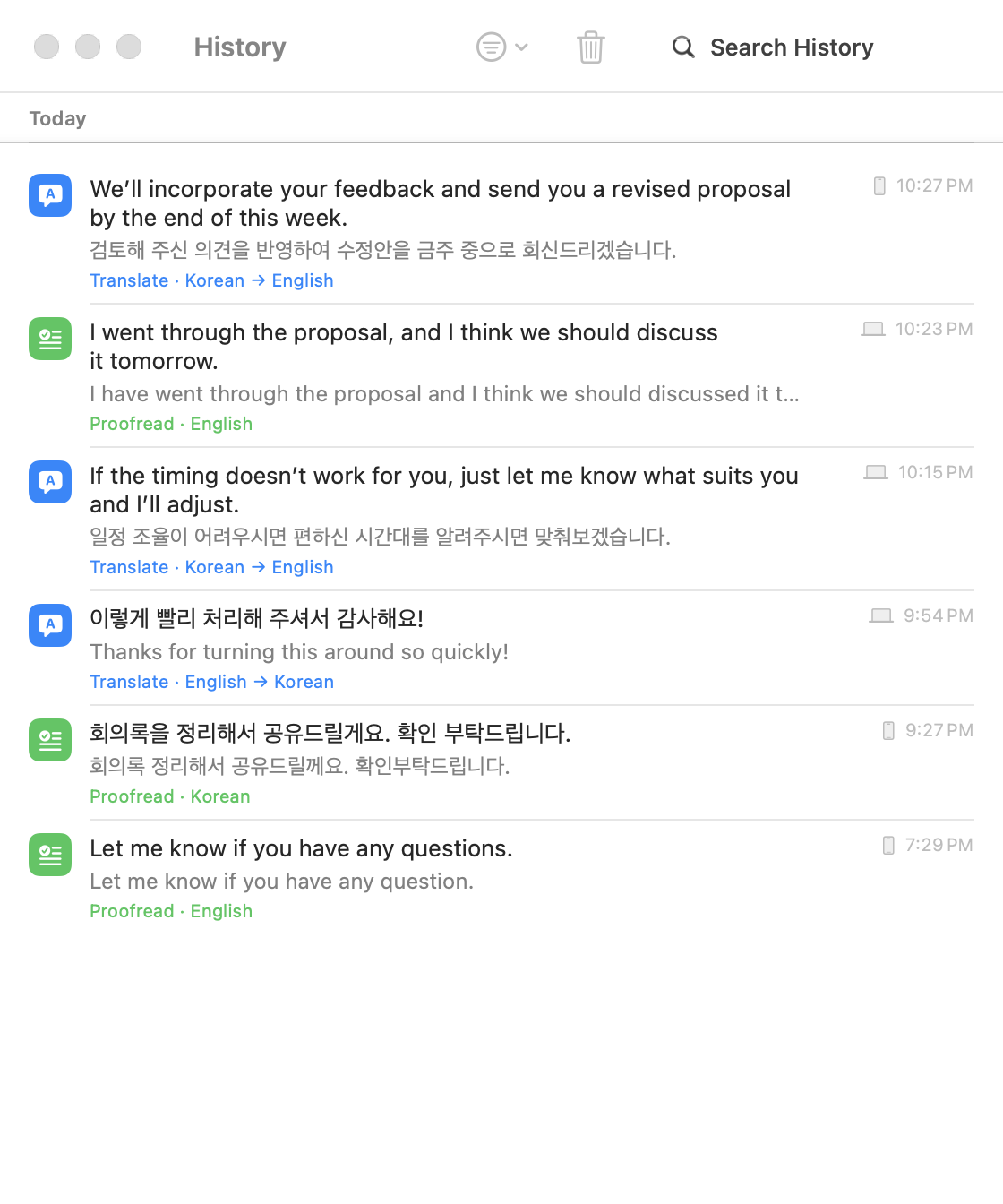
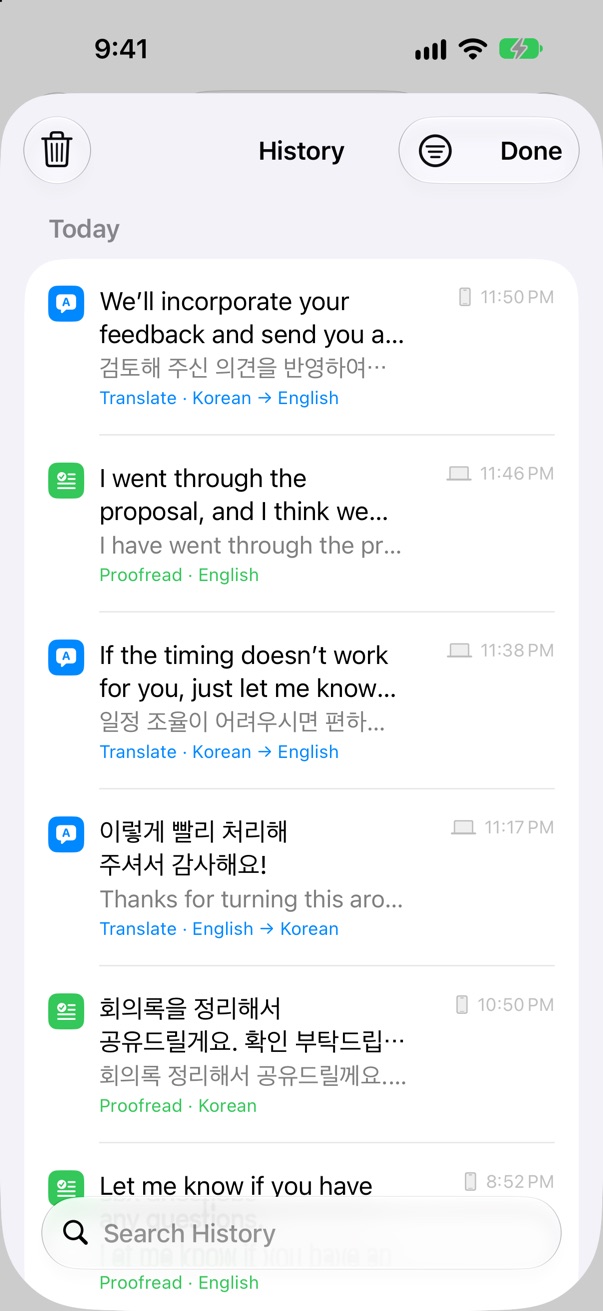
Every translation, on every device.
Q/T saves your history on your device automatically.
With Pro, it syncs between your Mac and iPhone through your own iCloud.